The Best eSIM for Korea Depends on One Question
Data-only eSIM, a prepaid line with a Korean 010 number, pocket Wi-Fi or your carrier's roaming pass: what each one does, what SK Telecom, KT and LG U+ charge, and which airport counters stay open all night.
This article contains affiliate links. If you buy through them, Seoulpin earns a commission at no extra cost to you. Our recommendations do not depend on it.
Every guide to staying online in Korea eventually turns into a shopping list. Skip it. The only question that matters is whether you need a Korean phone number, the kind that starts with 010. Answer that and the rest follows.
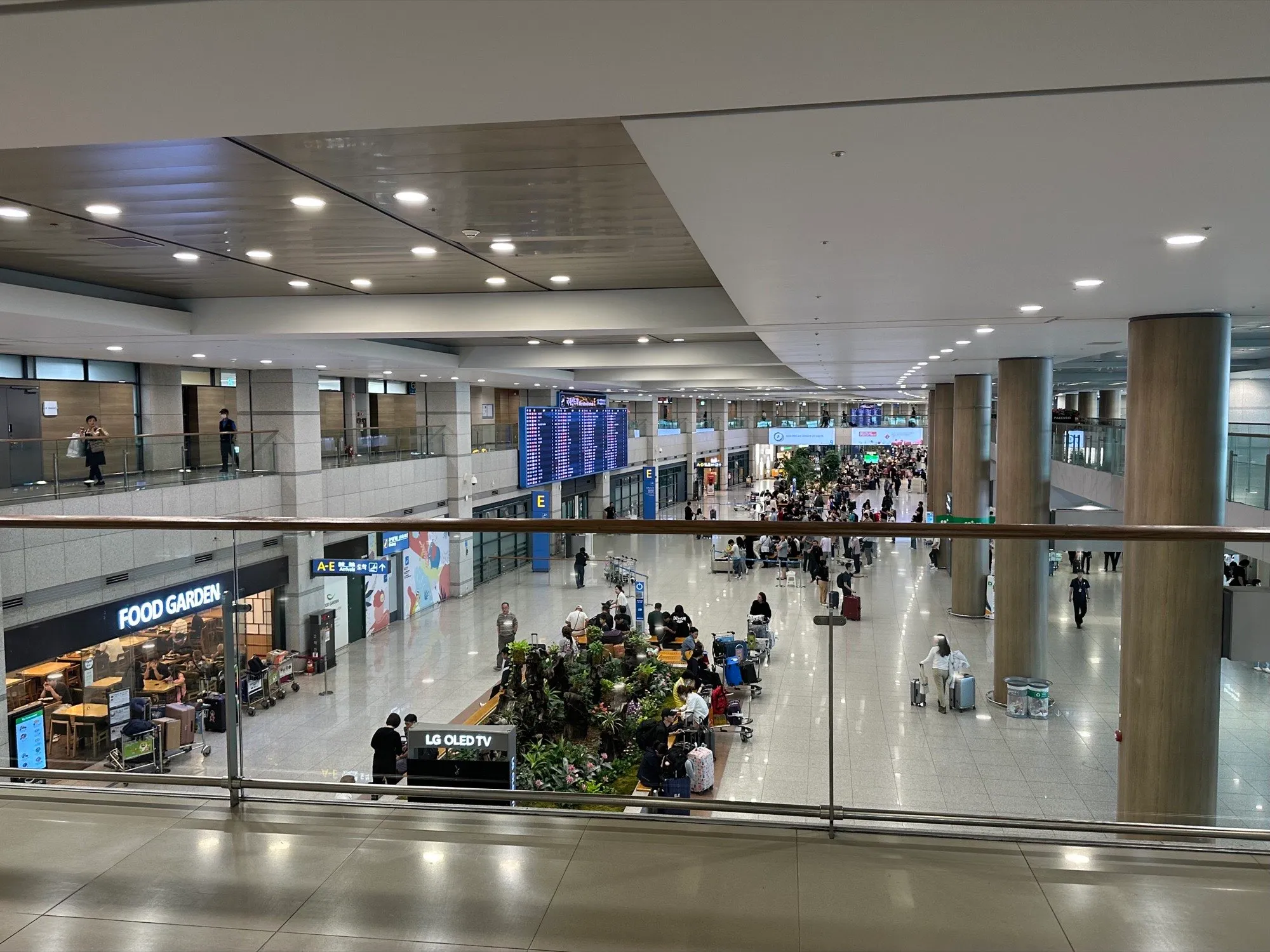
Here is the part that should save you an afternoon of comparison tabs: for short trips, Korea’s three carriers list the same price for a data-only plan. As of October 4, 2026, SK Telecom, KT and LG U+ all charge ₩6,500 for one day, ₩18,000 for three and ₩27,500 for five on their own foreign-visitor pages (KT, LG U+). When the prices match, you choose on terms: where you pick it up, when the clock starts, and what the number can and cannot do.
What a Korean number does, and what it doesn’t
A prepaid line with a 010 number lets people in Korea call and text you, and lets you call a restaurant, a guesthouse or a lost-and-found desk without going through an app. Incoming calls and texts are free on all three carriers once your passport has been checked. Outgoing calls need credit: SK Telecom and LG U+ sell top-ups from ₩5,500, and KT’s Data & Voice plans include about 60 minutes.
It is not a Korean identity. All three carriers say plainly that their tourist lines do not support Korean identity verification, the step that banking, government and many payment services use. LG U+ draws the line most usefully: with a voice-and-text plan, text-message codes for restaurant and taxi reservation apps work; with a data-only plan, they don’t. SK Telecom adds that its tourist lines cannot receive identity-verification or payment-related texts. So if an app asks for a Korean number at sign-up, a tourist voice line is your best shot at a code, but there is no promise it will be accepted.
One more limit: a passport gets one voice line. The science ministry said in December 2025 that it had cut the number of lines a foreign passport can open from two to one. SK Telecom will run its passport check on one product per passport, and KT sells one voice SIM per person (plus up to four data SIMs). SK Telecom also says dual nationals who hold a Korean passport get data only.
eSIM, SIM, pocket Wi-Fi or roaming
| Option | What you get | Korean number | Where to get it | Price, as of Oct 4, 2026 | The catch |
|---|---|---|---|---|---|
| Data-only eSIM | Unlimited data on your own phone | No outgoing calls or texts | Online from all three carriers, or at the airport | ₩6,500 (1 day) to ₩27,500 (5 days), same at all three | Sign-up codes not promised (LG U+ says none on data-only); phone must support eSIM and be unlocked |
| eSIM or SIM with voice | Data plus a 010 number | Yes, after a passport check | SK Telecom: online or airport. KT and LG U+: the airport counter does the passport check | SK Telecom: ₩12,000 for 2 days, then as data-only, plus top-up. KT: ₩33,000 for 5 days with about 60 min of calls | One per passport; no Korean identity verification |
| Physical SIM | Same as above, as a card | Data-only or voice versions | Reserve online, collect at the airport | Same tables as each carrier’s eSIMs | Your home SIM comes out, so keep it safe |
| Pocket Wi-Fi | A hotspot for several devices | No | Airport counter; SK Telecom charges less if you reserve online | SK Telecom: ₩3,300 a day online, ₩4,400 at the counter. KT: ₩4,400 a day | Passport and a credit card in your name; you must return it |
| Home roaming pass | Your own number, nothing to install | No | Your carrier at home | Set by your home carrier | Check your carrier’s daily rate and speed |
The default for most visitors is a data-only eSIM: nothing to collect, nothing to return, and your home SIM stays in the phone, so texts from your bank at home can still reach you. Choose a voice line if someone in Korea needs to reach you by phone, or if you want a chance at app sign-up codes. Choose pocket Wi-Fi if you are traveling as a group with one person who is always there, or carrying a tablet and a laptop as well. Choose roaming only if your carrier’s pass is cheap and you would rather not touch your settings at all.
Data limits differ in the fine print. KT slows its tourist lines to 5Mbps after 11GB in a day and resets at midnight. LG U+ advertises no speed cap but says it may manage speeds when the network is congested. SK Telecom gives a maximum of 100Mbps on its SIMs and eSIMs and 20Mbps on its Wi-Fi router.
Online, or at the counter
This is where the carriers really differ. SK Telecom lets you buy a voice eSIM online and do the passport check yourself after landing, from the QR code on your voucher, between 8 a.m. and 10 p.m.; outside those hours, its airport counter does it. KT’s voice eSIM is sold only at its airport roaming center. LG U+ takes online orders, but for a Data + Voice eSIM you show your passport at the airport counter to get the QR code.
Then check when the clock starts. LG U+ counts your days from the first time you use data in Korea. SK Telecom counts them from the moment you scan the QR code, so scanning it at home the night before your flight costs you hours you paid for. KT’s plans run for up to 90 days from activation. Its Korean eSIM page and its English checkout give you 90 days from purchase to install the QR code, after which an uninstalled eSIM is cancelled without a refund; a caution box on its English page still says 30 days, so installing within 30 days meets both. Whichever you buy, an eSIM is a one-shot install: all three warn that a deleted profile is not reissued.
Will it work on your phone
Two checks, both before you pay. First, eSIM support: dial *#06#, and if an EID appears, your phone can take one. Second, the lock: all three carriers require a phone that is not country-locked, and only the carrier that sold you the phone can tell you for certain. A phone that scans the QR code can still refuse the network if it is locked. LG U+ also says its eSIM does not work on Google Pixel, Motorola or Oppo phones; SK Telecom and KT don’t list exclusions, so check the carrier you are buying from.
If you are buying an eSIM from a third-party seller, the same two checks apply, and check the seller’s own terms.
The airport counters
Incheon’s directory lists all three carriers on the arrivals floor of both terminals, which matters most if you land late.
- Terminal 1, 1st floor: all three run 24-hour counters near Arrival Hall F on the west side (SK Telecom and KT describe it as opposite Exit 13), and 6 a.m. to 10 p.m. counters near Arrival Hall A on the east side.
- Terminal 2, 1st floor: SK Telecom’s 24-hour counter is near Exit 7. KT’s and LG U+’s 24-hour counters are at the Arrival Hall A end, between Exits 3 and 4 (the airport says near Exit 4; LG U+ says “Gate 3”). LG U+’s 6 a.m. to 10 p.m. counter is at the other end, between Exits 7 and 8.
Wi-Fi rentals need your passport and a credit card in your own name. SK Telecom and KT do not take debit cards for the deposit; LG U+ takes one with a ₩70,000 deposit, refunded when you return the device. You can return an LG U+ or SK Telecom device at any of their airport counters, not only the one you collected it from.
Before you fly
- Decide whether you need a 010 number. If you only need maps, messaging and translation, you don’t.
- Dial *#06#. No EID means no eSIM: plan on a physical SIM or pocket Wi-Fi.
- Ask your home carrier to confirm your phone is unlocked.
- Read when your plan’s clock starts, and don’t scan an SK Telecom QR code until you have landed.
- Check your arrival time against counter hours if your plan needs a passport check or a pickup.
- Pack your passport and a credit card in your own name for any rental.
- Keep your home line switched on for incoming bank texts, and ask your carrier what receiving them abroad costs.
More Practical Seoul
Practical Seoul
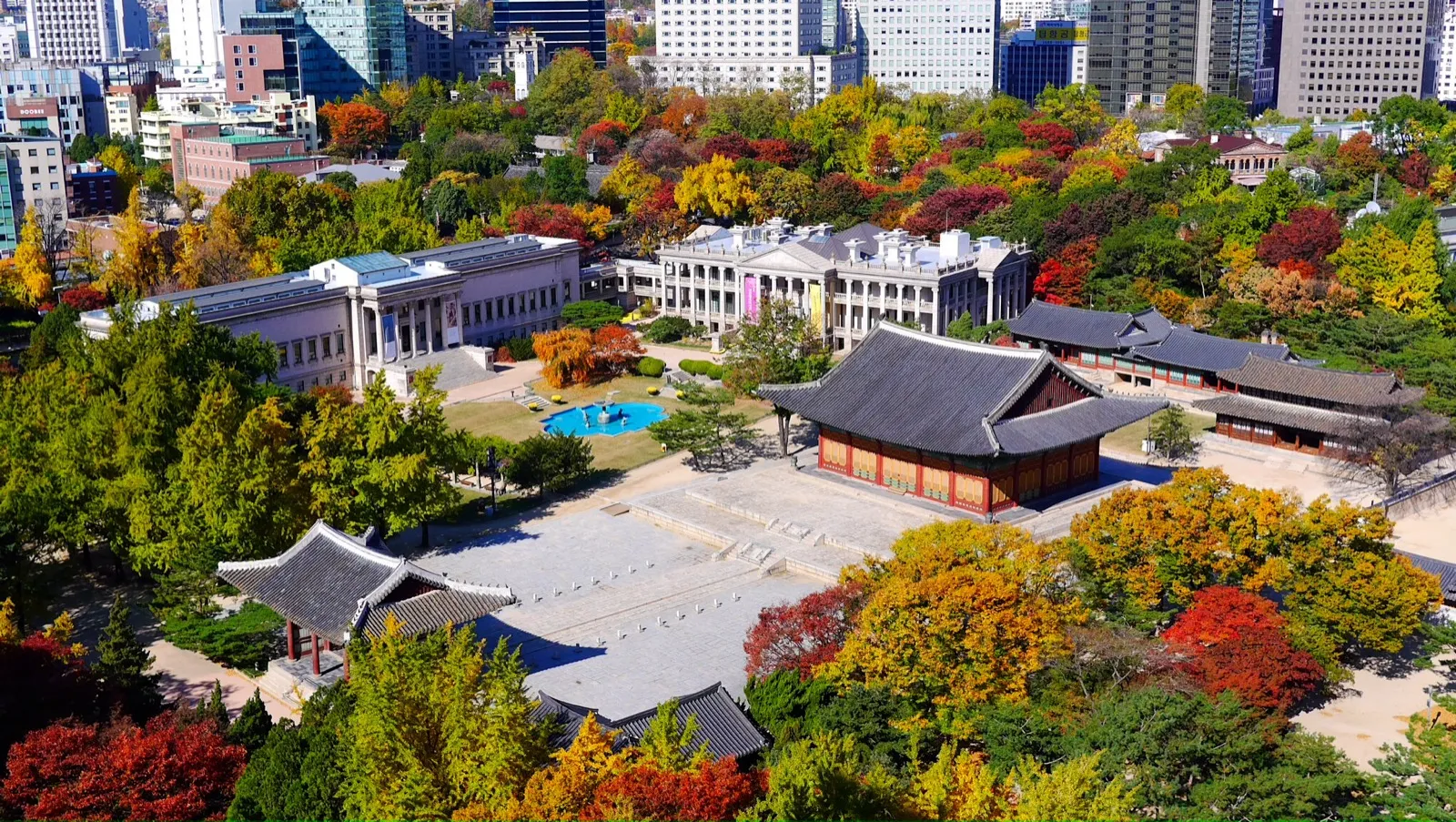
Seoul Autumn Foliage: When It Peaks and Where to Go
When Seoul's leaves turn this year, and a one-day route through free palaces and ginkgo streets you can reach by subway.
Practical Seoul
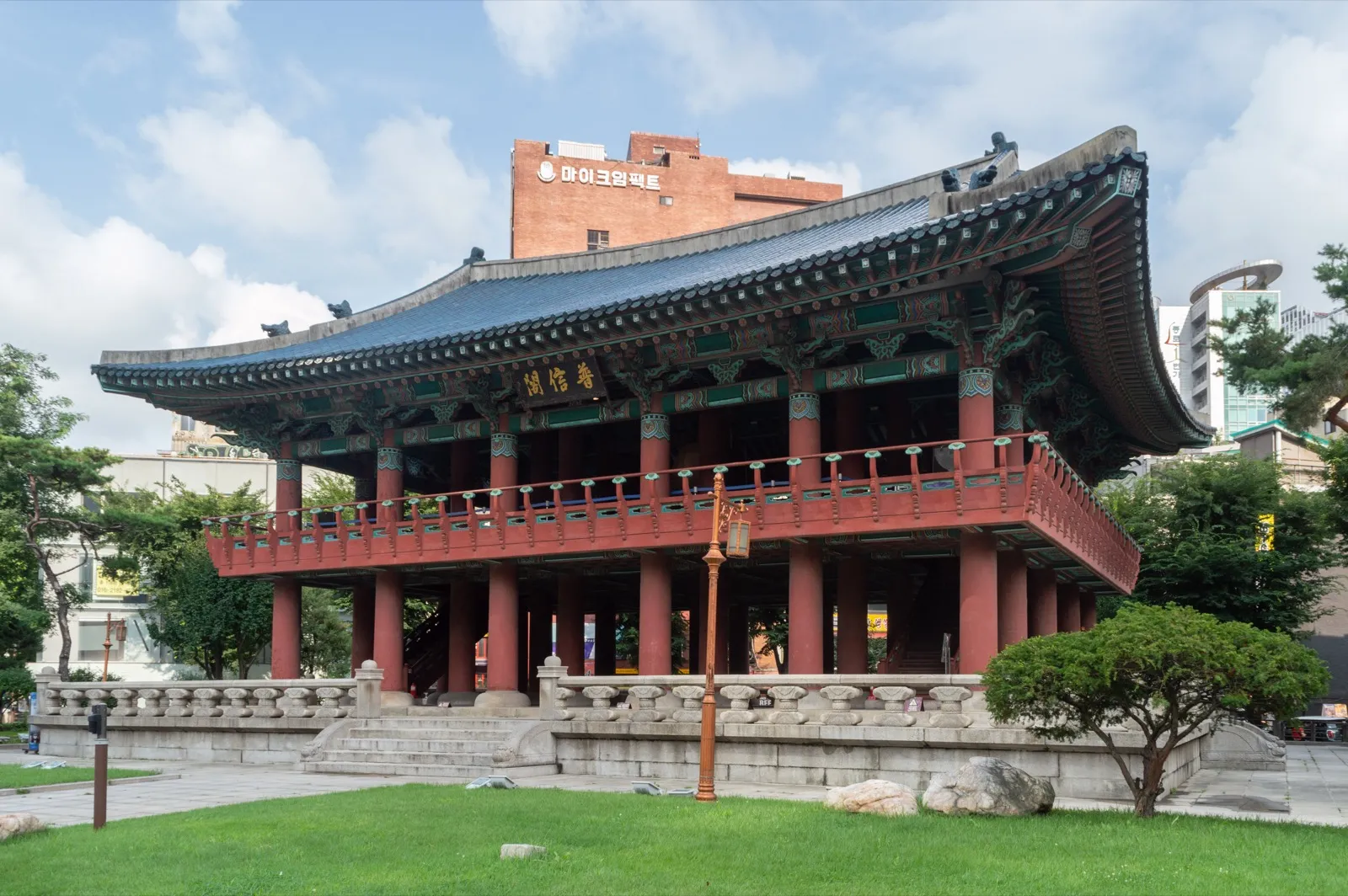
Seoul in December 2026: Lanterns, a ₩1,000 Ice Rink and the Midnight Bell
The Seoul Winter Festival opens on December 11 with lanterns on Cheonggyecheon and a Christmas market at Gwanghwamun, the Seoul Plaza ice rink opens on December 18, Christmas Day is a Friday holiday, and Bosingak's bell rings 33 times at midnight on December 31. Dates, hours, prices and how to get home after the countdown.
Practical Seoul
Seoul in November 2026: Free Palaces, Peak Foliage and CSAT Day
The palaces and Jongmyo are free until November 15, the leaves on Bukhansan have been at peak since October 26, and flights will be adjusted during the exam's English listening test on November 19. Dates, hours and the big exhibitions on.
Steve OH edits Seoulpin. Steve runs Standardpin, a Seoul-based web studio that also builds websites for clinics; that work has no effect on whether or how any clinic appears here. Articles are drafted with AI assistance from the sources listed and reviewed by Steve before publishing. How we work