How to Book a Seoul Restaurant Without a Korean Phone Number
CatchTable Global, Naver with a passport check, a phone call in Korean or a remote waitlist: what each path asks of a visitor, how deposits and no-show charges work, and the Korean sentences to use.
Three paths work without a Korean phone number. CatchTable Global signs you up with a Google or Apple account, takes deposits on a card issued abroad and runs remote waitlists. For a restaurant that only books on Naver, sign up for Naver with your home phone number and verify with your passport when the booking asks. For a restaurant that only takes calls, which is still how most Korean restaurants take bookings, call with the Korean sentences below. If none of that works, Seoulpin makes the booking in Korean for you, free until December 31, 2026.
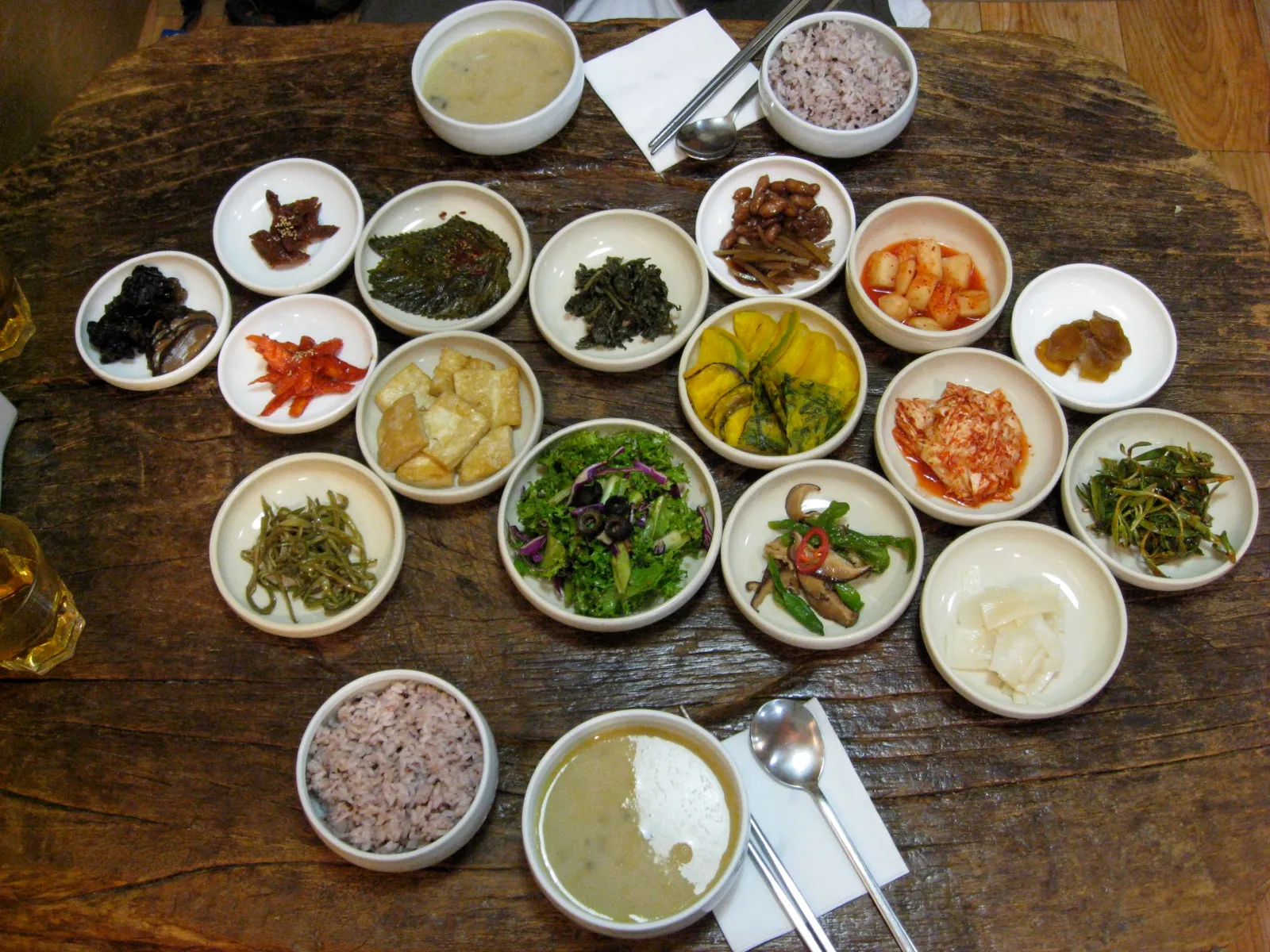
Which booking path fits which restaurant?
| Restaurant | Try first | If that fails |
|---|---|---|
| Omakase, fine dining, tasting menus | CatchTable Global, deposit on a card issued abroad | Call, or Seoulpin Booking help |
| Busy places that work by queue | CatchTable Global “Join Remote Waitlist” | Join the queue at the door |
| Restaurants with a booking button on Naver Map | Naver Booking with a passport check | Call, or Seoulpin Booking help |
| Small and older restaurants | A phone call in Korean | Seoulpin Booking help |
| Large groups | A phone call; ask about the deposit | Seoulpin Booking help |
How do you book a restaurant with CatchTable Global?
Install the global version of CatchTable, listed as “CATCHTABLE: Book Restaurants” by WADcorp on the App Store and Google Play, and sign up with your Google or Apple account. No Korean phone number is asked for. The app lists more than 8,000 restaurants, and you can search it in 20 languages.
On a restaurant’s page you see one of three things, as the Korea Tourism Organization’s guide describes:
- Reserve: pick a time slot. Many reservation-only restaurants take a deposit, and in the global app it can only be paid with a card issued outside Korea.
- Join Remote Waitlist: shows how many parties are waiting right now. You join from wherever you are and arrive when your turn comes.
- No button: the restaurant only takes on-site waiting, and the page tells you how to join the queue in person.
Confirmations arrive by email and in the app, and every booking and waitlist place sits in the My Dining tab. If a restaurant isn’t in the global app at all, move on to Naver or the phone.
What happens to a CatchTable deposit if you cancel?
Each restaurant sets its own refund rate, anywhere from 0 to 100%, so read the policy on the booking screen before you pay. CatchTable’s terms add three rules that catch visitors out:
- You can only cancel the whole booking. If two of four people drop out, the deposit stays the same.
- Refunds go back to the card you paid with and take at least three to ten days, depending on the card.
- Waitlists take no deposit, but the global version may charge a per-person service fee to join a remote waitlist or apply for Priority Entry at restaurants CatchTable picks. The app shows the fee, the total and the refund conditions before you pay, and there is no fee for joining a waitlist on-site.
Can you use Naver Booking without a Korean phone number?
Yes. Naver accepts foreign phone numbers at sign-up, and since June 19, 2025 restaurants on Naver Booking take bookings from foreign visitors unless the owner has switched the option off; it is on by default, according to Naver’s guide for business owners. Where a restaurant demands payment in advance, foreign visitors can pay with a card issued abroad. Booking pages are machine-translated into English, Japanese and Simplified Chinese. Anything that needs an age check, such as ordering alcohol through Naver, stays closed to foreign visitors.
The step that used to stop visitors was identity verification by Korean phone. Since June 4, 2026, Naver has offered passport verification for bookings, orders and payments instead. You photograph your passport itself with your phone’s camera, then do a face check against the passport photo. Naver’s help page accepts a passport that:
- was issued by a country other than South Korea,
- has not expired,
- has not been used to verify another Naver ID,
- carries the same name and date of birth you entered when you signed up.
So type your name and birth date at sign-up exactly as they appear in your passport. Don’t have the ID real-name verified: the owner guide says a visitor who doesn’t live in Korea needs a Naver ID that is not real-name verified, and a real-name-verified one can’t use Naver Booking.
You book from the restaurant’s page in Naver Map; how to set the app to English is in our Naver Map guide. If a restaurant’s Naver booking won’t take you, it may have switched off bookings from foreign visitors, and a call or Seoulpin is the way in.
How do you book a Seoul restaurant by phone in Korean?
Call the number on the restaurant’s Naver Map page and read the lines below: most Korean restaurants still take bookings this way. In a government survey of 214 restaurant businesses released on December 30, 2025, 95% took bookings by phone, 18% through Naver or Kakao booking, and 5% through restaurant booking apps (owners could name more than one), and only 14% asked for a deposit.
From a foreign SIM, dial +82 and drop the first 0 of the Korean number: a Seoul number starting 02 becomes +82 2. A tourist SIM with a voice plan gives you a Korean 010 number that restaurants can call or text back; our eSIM and SIM guide explains which plans include one.
Fill the brackets and read the romanized line aloud:
| You want to say | Korean | Say it |
|---|---|---|
| Hello, I’d like to make a reservation. | 안녕하세요, 예약하고 싶어요. | Annyeonghaseyo, yeyak-hago sipeoyo. |
| I don’t speak Korean well. Please speak slowly. | 한국어를 잘 못해요. 천천히 말씀해 주세요. | Hangugeo-reul jal mot-haeyo. Cheoncheonhi malsseum-hae juseyo. |
| Is [Friday] at [7 p.m.] for [two] possible? | [금요일] [저녁 7시]에 [두 명] 가능할까요? | [Geumyoil] [jeonyeok ilgop-si]-e [du myeong] ganeung-halkkayo? |
| My name is [Anna]. | 제 이름은 [Anna]입니다. | Je ireumeun [Anna]-imnida. |
| I don’t have a Korean number. Can you contact me on KakaoTalk? | 한국 번호가 없어요. 카카오톡으로 연락해 주실 수 있나요? | Hanguk beonho-ga eopseoyo. Kakaotok-euro yeollak-hae jusil su innayo? |
| Is there a deposit? | 예약금이 있나요? | Yeyakgeum-i innayo? |
| Until when can I cancel? | 취소는 언제까지 가능해요? | Chwiso-neun eonjekkaji ganeung-haeyo? |
| We’ll be about 10 minutes late. | 10분 정도 늦을 것 같아요. | Sip-bun jeongdo neujeul geot gatayo. |
| I’d like to cancel my reservation. | 예약을 취소하고 싶어요. | Yeyak-eul chwiso-hago sipeoyo. |
For the brackets:
- Day: today 오늘 (oneul), tomorrow 내일 (naeil), Monday 월요일 (woryoil), Tuesday 화요일 (hwayoil), Wednesday 수요일 (suyoil), Thursday 목요일 (mogyoil), Friday 금요일 (geumyoil), Saturday 토요일 (toyoil), Sunday 일요일 (iryoil).
- Time: lunch 점심 (jeomsim), dinner 저녁 (jeonyeok), then 12시 (yeoldu-si), 1시 (han-si), 6시 (yeoseot-si), 7시 (ilgop-si), 8시 (yeodeol-si).
- People: one 한 명 (han myeong), two 두 명 (du myeong), three 세 명 (se myeong), four 네 명 (ne myeong), five 다섯 명 (daseot myeong), six 여섯 명 (yeoseot myeong).
How do remote waitlists work, and what do they need?
A remote waitlist holds your place in a queue while you are somewhere else, and you lose the place if you don’t arrive in time. For a visitor, CatchTable Global’s “Join Remote Waitlist” is the one to use: no Korean number, no deposit, updates by email and in the app.
The other big waitlist app, Tabling, is listed in Korean only. Its help center sets rules that show how strict these queues are:
- Remote joining opens only during the hours the restaurant allows, and only once at least two people are registered on the waiting device at the door. A restaurant can close its list early.
- You confirm arrival with the location button in the app or with the 6-digit code shown on that device. Where the code is required, your place is cancelled if you haven’t entered it within ten minutes of becoming second in line.
- As your turn nears (for example, five parties ahead), you are asked by KakaoTalk message or in the app whether you are still coming. Depending on the restaurant, no answer can cancel your place.
What are the deposit and no-show rules in Korea?
A restaurant can charge a no-show penalty of up to 20% of the total bill, and up to 40% for omakase, fine dining and other places that cook to the booking, or for large orders and group bookings. These are the limits in the Fair Trade Commission’s Consumer Dispute Resolution Standards, amended and in force from December 18, 2025, the yardstick used when a no-show dispute is mediated. To apply them, the restaurant must tell you its penalty rules in advance in a clear way, such as by text message. The higher limit exists because, as the Commission’s notice explains, these restaurants throw away the ingredients bought for a booking that falls through.
In practice: ask about the deposit before you confirm, keep the message or screen that states the cancellation policy, and call or cancel in the app as soon as plans change.
When should you ask Seoulpin to book for you?
Use Seoulpin Booking help when the restaurant only answers the phone and you’d rather not call, when Naver Booking turns you away, or when you are planning a group or a full day of places. Send the form in English, Japanese or Traditional Chinese with the restaurant, date, time and party size; we call or book in Korean and reply by email within 24 hours (Korea time). It is free while we test the service, until December 31, 2026. It covers restaurants, bars, salons, classes and activities, not clinics or medical procedures.
For what to order once you have a table, see our guide to Korean food in Seoul.
More Food & Drink
Food & Drink
How to Book a Group Dinner in Seoul for 10 or More
How to find a private room or group seating on Naver Map and CatchTable, what deposits and no-show penalties a restaurant can set for a group, how set menus and guaranteed headcounts work, which December nights fill first, and a Korean message you can send as it is.
Food & Drink
Korean Food in Seoul: What to Eat First
Fifteen everyday Korean dishes worth ordering on a first trip: what it is, how to eat it, what the common ones cost in Seoul, how spicy it is, and which ones hide pork, seafood or meat broth.
Food & Drink
Myeongdong Kyoja in 2026: the New Main Branch, What a Korean Orders, and the Garlic Kimchi
I ate at the main branch on a Tuesday afternoon in November and paid my own bill. Where the main branch is now, how the kiosks work, what to order, and how spicy it gets.
Steve OH edits Seoulpin. Steve OH is the English name of Myeong OH (오명), Seoulpin's registered publisher. Steve runs Standardpin, a Seoul-based web studio that also builds websites for clinics; that work has no effect on whether or how any clinic appears here. Articles are drafted with AI assistance from the sources listed and reviewed by Steve before publishing. How we work
Notes from readers who went